
Vivabet Casino Login
Access your account in seconds and start enjoying exclusive rewards today.
Games at Vivabet Casino





All Games





Getting into your Vivabet Casino account takes under two minutes once you know the steps. If the login fails, each cause below has its own fix: wrong password, missing confirmation e-mail, locked account or pending verification. Support answers on live chat around the clock.
How to Log In: Step-by-Step
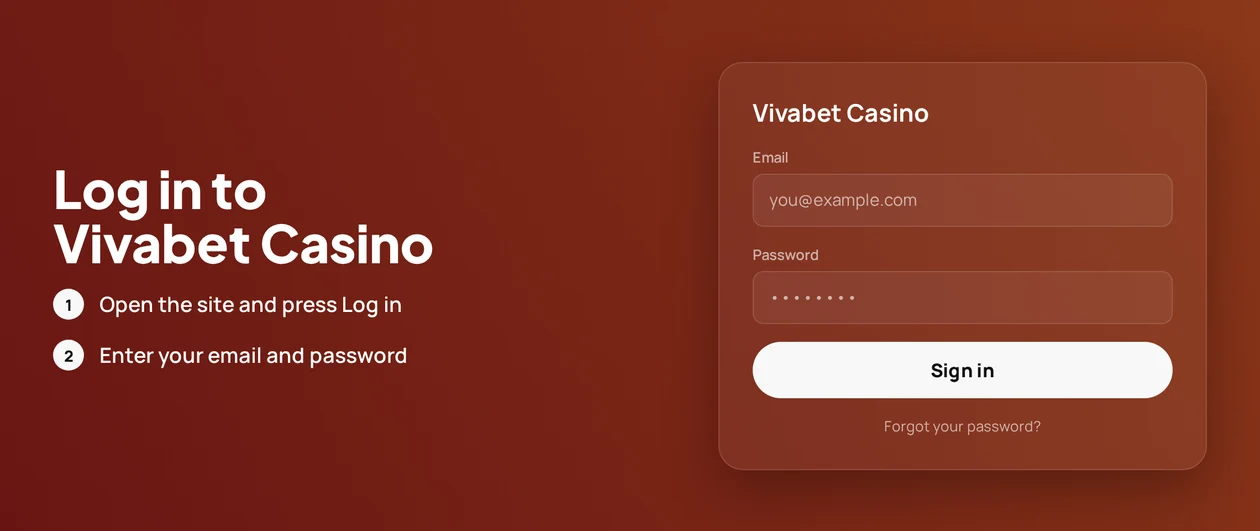
To log in, you must use the username and password you created during registration. Vivabet Casino also requires email confirmation, so you need access to the inbox you registered.
Go to the official Vivabet Casino website by typing the address directly, or open the official app.
Select Log In.
Type in your username and your password.
Finish the email confirmation step if the casino prompts you for it.
Always use the official site and the official apps. Fake mirror sites and links in unexpected messages can steal your password. If a page asks for your details after you clicked a message link, close it immediately.
Login Problems and Fixes
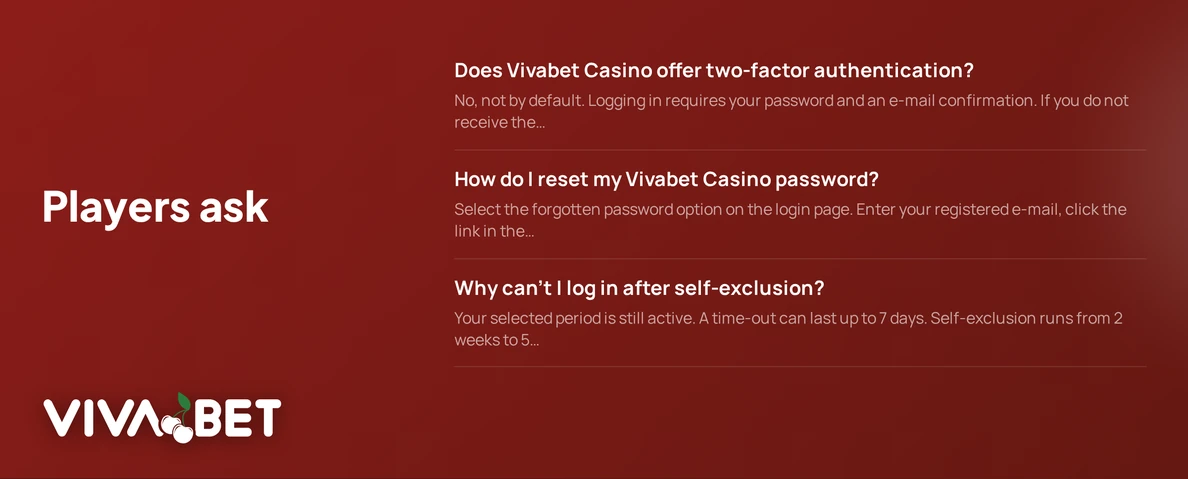
Two-factor authentication is not a standard feature at Vivabet Casino. Your security comes from your password and email confirmation, meaning most login failures relate to the password, your inbox, or your browser.
If the confirmation e-mail does not arrive:
- Look in your spam and promotions email folders.
- Make sure the email on your account is the same one you used to register.
- Wait a few minutes, then look for the email again.
- Open live chat and request that support sends the message again.
If the page loads but the login keeps failing:
Clear the browser data:
- Go to your browser's settings and locate the privacy or history section.
- Remove cookies and cached data for the Vivabet Casino website.
- Shut down the browser and open it again.
- Attempt to log in once more, or try using a different browser.
Common Login Issues
| Problem | Likely Cause | Quick Fix |
|---|---|---|
| Wrong password message | Typing error or an outdated password | Use the password reset flow below |
| Confirmation e-mail missing | Spam filter or a wrong address on file | Check spam, then ask live chat to resend |
| Account locked | Repeated failed attempts or a security hold | Contact support and state your username |
| KYC pending | Identity documents not yet sent | Upload documents within 30 days of your first deposit |
| Login blocked during exclusion | Active time-out or self-exclusion | Wait for the period to end |
| Page will not load or loops | Stored cookies or cache | Clear cookies and cache, or switch browser |
| App will not open | Outdated device software | Update the app; iOS needs version 16.6 or later |
How to Reset Your Password
You can reset your password yourself using only your registered email address. Contact support only if the reset email does not show up.
- On the login page, click the option for forgotten password.
- Type the email address connected to your account.
- Look for the message in your inbox and click the reset link.
- Create a new password and confirm it.
- Sign in using your new password.
If the email does not arrive, review the missing email steps first. Then contact live chat. Support can tell you which email is on file.
Account Locked or Suspended
A lock can be resolved in one chat. Here are the solutions and who handles them.
- Reach out to live chat and provide your username and account email.
- Support will identify why the account was locked.
- If it is due to missing documents, upload them. Access is restored after they are approved.
Account restriction usually happens for two reasons: missing ID verification or an active self-exclusion. The last one is voluntary and works like this.
- Time-out: lasts up to 7 days
- Self-exclusion: from 2 weeks to 5 years, or for good
- Scope: covers all Viva Games sites, so you cannot log into any site in the group
You cannot log in until your chosen period finishes. For gambling concerns, the National Gambling Helpline provides free help at 1800 936 725. More resources are at gamblingcare.ie.
KYC Verification
The Vivabet platform requires ID documents within 30 days of your initial deposit. Submitting them early prevents account delays. The email confirmation at sign-up is a different process.
- Upload your ID through your account page or send it to support.
- Support reviews them.
- Once approved, the restriction is removed. You can then log in and withdraw funds.
If your account is pending and you cannot log in, check with live chat for any missing documents. Your name and date of birth must match your registration details.
Logging In via Mobile App
You can log in from a phone in three different ways at Vivabet Casino. Each method uses the same username and password. Biometric login and push notifications are not supported.
| Access Path | Details |
|---|---|
| iOS app | App Store, published by Viva Games SRL; needs iOS 16.6 or later; 17.1 MB |
| Android app | Google Play |
| Installable web app (PWA) | Add the site to your home screen from a mobile browser; it has its own manifest and service worker |
For the web app, a login issue is a browser issue. Clear the browser data for the site first. If that fails, reinstall the home screen shortcut.
Contact Support
Live chat is available 24/7 and is the quickest way to get help for locked accounts or missing e-mails. Support agents speak English, and you can also write to [email protected].
| Channel | Contact | Availability |
|---|---|---|
| Live chat | On the site and in the app | 24/7 |
| [email protected] | Write to the support team |
Provide your username, the e-mail on your account and a brief summary of the error. This allows the support agent to look into your account immediately.
FAQ
You must be at least 18 years old to play. Gambling should remain a form of entertainment. Set spending limits you can manage and take a break if you stop having fun.